> For the complete documentation index, see [llms.txt](https://help.gvpomni.com/gvpomni_v1/llms.txt). Markdown versions of documentation pages are available by appending `.md` to page URLs; this page is available as [Markdown](https://help.gvpomni.com/gvpomni_v1/uso-da-plataforma/uso-da-plataforma/uso-dos-grids.md).

# Uso dos Grids

Para entender como usar os grids é simples só precisa escolher um módulo e usar as funções da sua escolha.

Mostraremos alguns exemplos.

Primeiro Selecione um módulo, no exemplo abaixo selecionamos "Ticket".

<figure><img src="/files/kvgOq5wvHvh9mYZY3d6d" alt=""><figcaption></figcaption></figure>

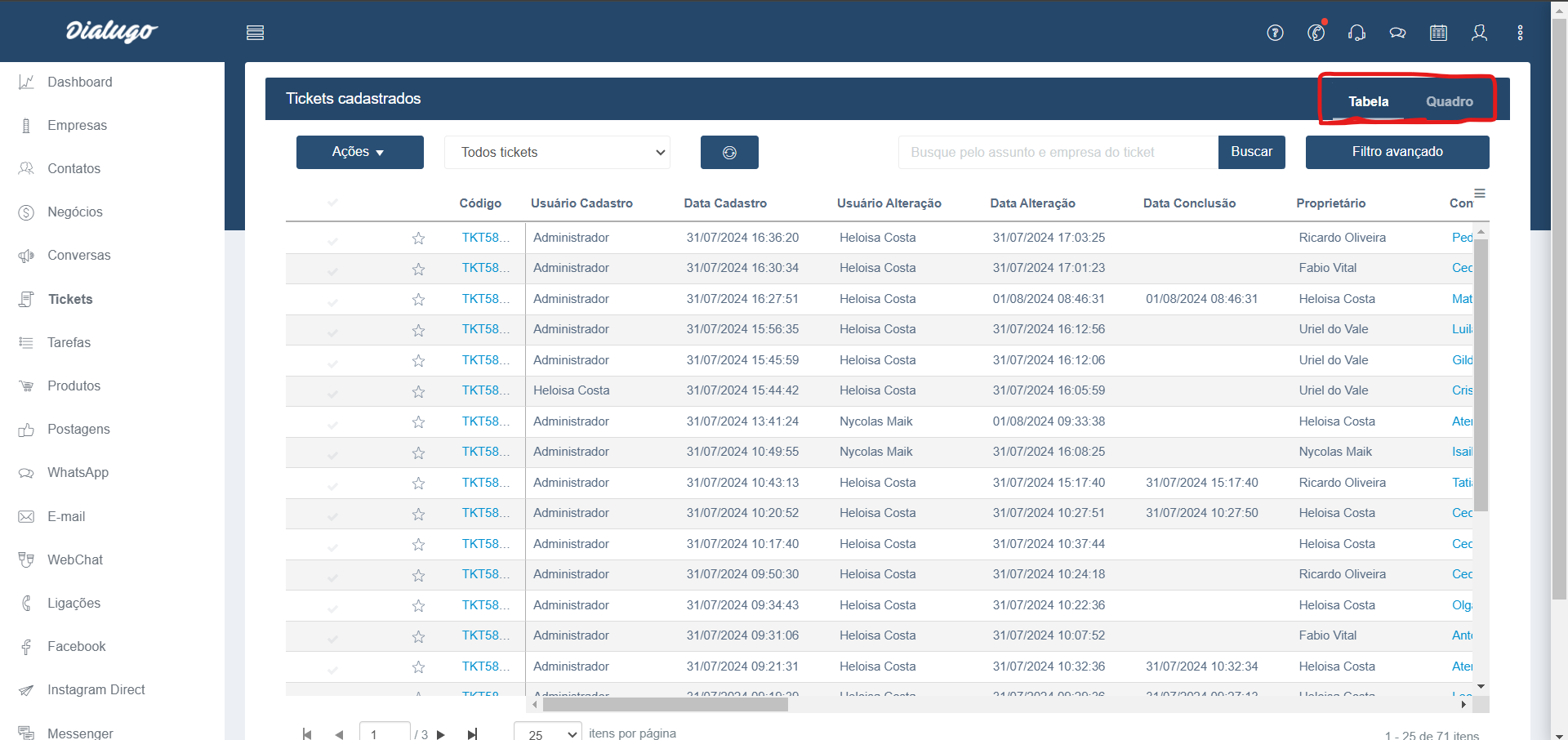
Na tela abaixo no canto superior direito você seleciona o modo que gostaria de ver o grid com as opções: Tabela e Quadro.

<figure><img src="/files/athVxKArbGwGHO024XL5" alt=""><figcaption></figcaption></figure>

Depois de selecionar o módulo e o tipo de grid basta você selecionar filtros, ações e buscas que forem úteis para você.

Como o exemplo abaixo:
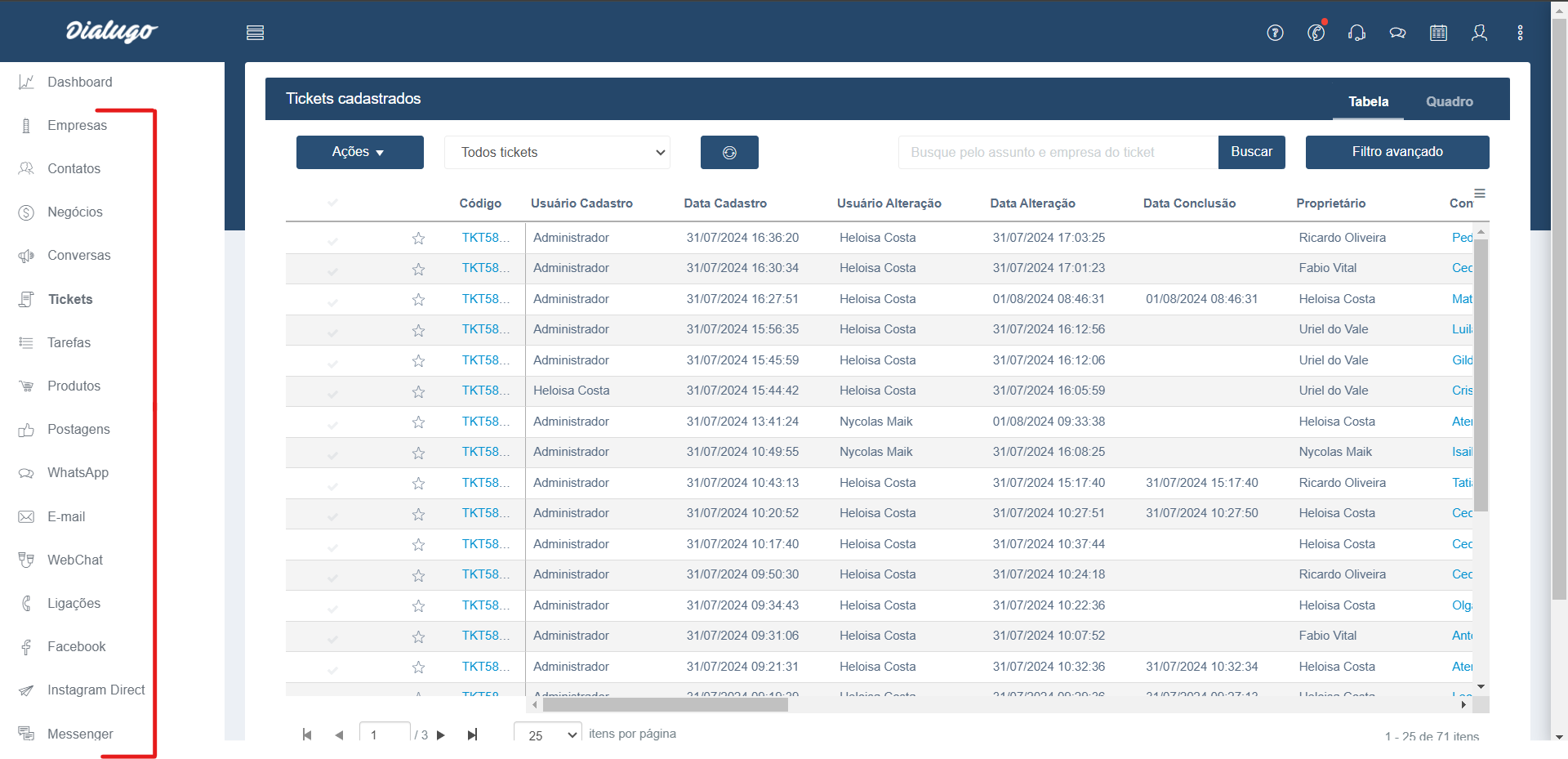
<figure><img src="/files/KqNWdqKFp23XEfJ1QyDA" alt=""><figcaption></figcaption></figure>

<table data-view="cards"><thead><tr><th align="center"></th><th data-hidden data-card-target data-type="content-ref"></th></tr></thead><tbody><tr><td align="center"><strong>Retornar</strong></td><td><a href="/pages/xmQserRoibrpBokK7GIc">/pages/xmQserRoibrpBokK7GIc</a></td></tr><tr><td align="center"><strong>📱Fale Conosco</strong></td><td><a href="https://api.whatsapp.com/send/?app_absent=0&#x26;phone=551148901001&#x26;text=&#x26;type=phone_number">https://api.whatsapp.com/send/?app_absent=0&#x26;phone=551148901001&#x26;text=&#x26;type=phone_number</a></td></tr><tr><td align="center"> <strong>🔌 API</strong></td><td><a href="/pages/C9t40jeIWMWmlOKEhXal">/pages/C9t40jeIWMWmlOKEhXal</a></td></tr></tbody></table>

<div align="center"><figure><img src="/files/SZQYDLUDylhXMI4C4Kkq" alt="" width="250"><figcaption></figcaption></figure></div>

&#x20;          Alameda Rio Negro, 500 – 20º andar – Alphaville Industrial – Barueri – SP – 06455-000v